Over the past few decades, the digital revolution has transformed the way businesses operate and engage with customers – and the pace of change isn’t slowing. The emergence of new technologies like artificial intelligence (AI), cloud computing, and the Internet of Things (IoT) indicates that even more dramatic changes to the way we conduct business are on the way. That means it’s more important than ever for businesses to implement effective systems for storing, accessing, and sharing information. Digital file storage and workflow management solutions offer significant advantages over legacy paper-based systems. That’s why the digital transformation industry is growing so rapidly across the U.S. However, if digitization/document conversion isn’t done right, you can end up with a system less efficient than rummaging through filing cabinets looking for documents. Let’s take a look at best practices to ensure that your document conversion process delivers all the benefits that business digitization offers.
Benefits of Document Conversion
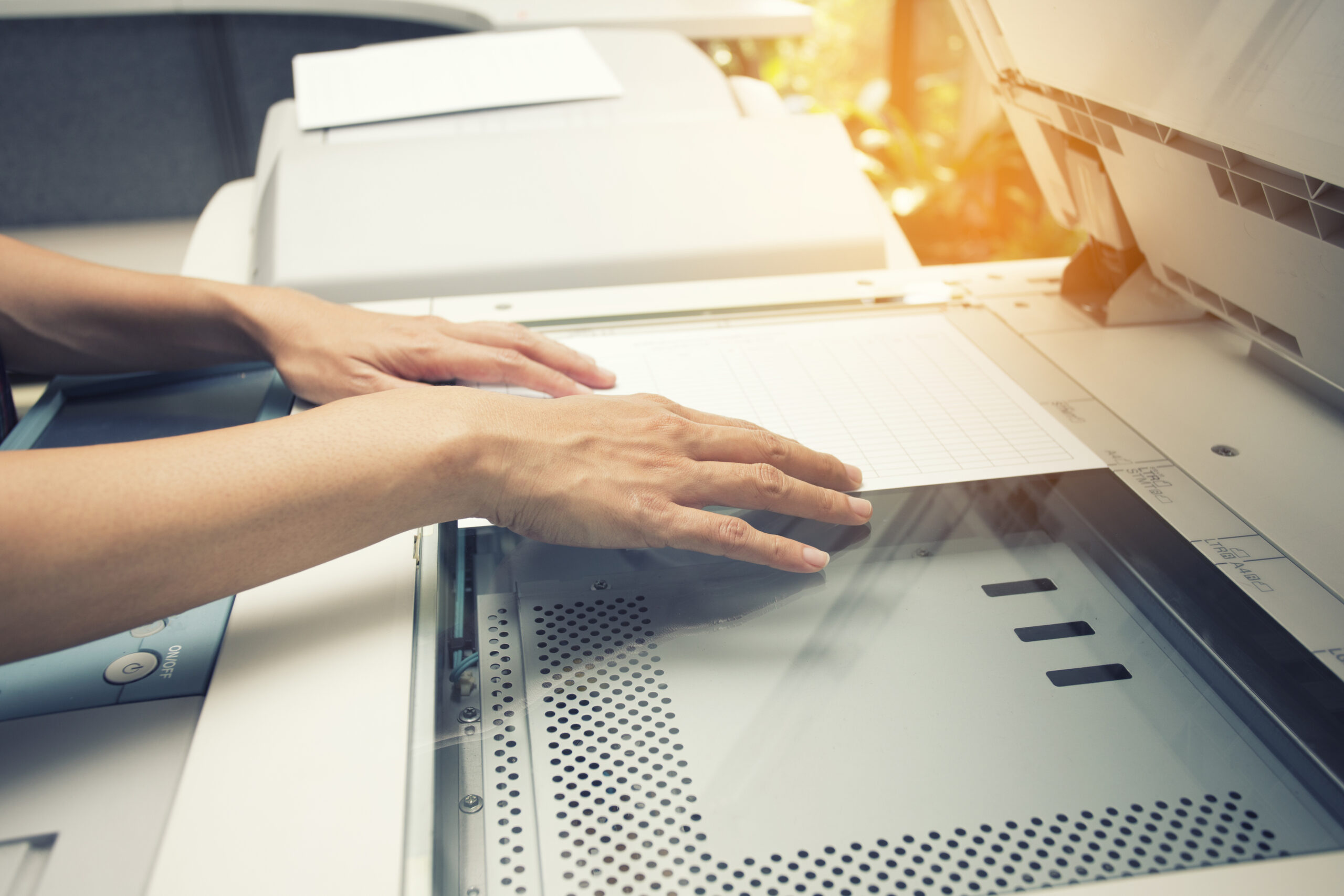
Document conversion is the process of scanning your physical documents to convert them into digital files. Instead of being stored in filing cabinets and piles of paper on your desk, your documents will reside in an easily accessible digital filing system.
If you’re still on the fence about whether to digitize your legacy paper-based document handling systems, there are compelling reasons to seriously consider document conversion for your business.
Some of the main benefits that document conversion offers are:
- Accessibility – Once your documents have been converted, you’ll be able to access them with a few mouse clicks, rather than rummaging through paper. Digital documents can be accessed 24/7 from anywhere by authorized personnel.
- Searchability – With a well-structured digital filing system and file-naming conventions (more on that below), the process of finding the documents you need becomes much simpler and takes much less time.
- Enhanced Collaboration – It’s much easier to share digital files than physical documents, and to collaborate with fellow workers when creating and editing documents. Processes like document routing, approval workflows, and version control are greatly simplified with digital files, minimizing the risks of human error.
- Improved Security – By implementing access control systems, you can strictly control who has access to particular documents, and easily track document access and use. It’s also relatively simple to perform regular backups, so you’re never at risk of losing critical data permanently.
- Optimized Office Space – Digital filing cabinets don’t take up any physical space. Document conversion to digital formats can free up space for an extra workstation or simply allow for a more ergonomic office layout.
- Cost Savings – Printing and copying physical files requires ongoing expenditure on paper, ink, and keeping your printers/copiers running smoothly. Depending on the number of documents you process, document conversion can translate into significant savings.
- Eco-Friendly – By converting your documents to a digital format, you’re minimizing your paper waste and thus your business’s environmental footprint.
- Compliance – For industries like healthcare and legal, where strict regulatory compliance is required, document conversion systems can make it much simpler and cheaper to ensure that your documents meet the regulatory requirements.
Seven Steps for Effective Document Conversion
As mentioned earlier, the benefits resulting from document conversion depend to a great extent on the manner in which the process is carried out. Follow these steps to avoid some of the major pitfalls when embarking on your document conversion/digitization process.
Define the Scope and Objectives
First, identify the documents you wish to convert, starting with the most critical and sensitive documents, such as contracts, financial records, and compliance documents.
Your document conversion project probably falls within the sphere of broader business goals, such as improving efficiency or ensuring compliance. So, make sure that your document conversion goals align with these broader objectives.
Prepare the Documents for Scanning
Before you start the document conversion process, sort the documents to be scanned by type and size. This will streamline the process and help to maintain consistency across batches of documents.
You’ll also need to prepare the documents themselves to be scanned. Remove all staples, paper clips, and sticky notes. These can reduce the quality of your scans and may even damage the scanner.
Select Appropriate Technology for the Job
Different kinds of documents may be more effectively converted using specific hardware and software. For delicate items, flatbed scanners offer the highest quality and precision, while for simpler documents that need to be scanned in high volumes, a sheet-fed scanner is likely to be more efficient.
If you’re predominantly scanning text documents, consider using Optical Character Recognition software. This will convert the scanned images into searchable, editable text, making it easier to search both for them and within them for specific information.
Conduct Test Runs
Once all your documents have been sorted and prepared and you have the right equipment in place for the document conversion process, it’s time to run some sample scans to verify image clarity, resolution, and alignment. You should also conduct regular quality checks throughout the process to make sure your documents are scanning properly.
Define a Filing Structure
The way in which you store your files affects your ability to locate and retrieve them. Decide on file naming conventions and create a hierarchical folder structure that echoes your workflow. For best results, include relevant metadata, tags, and indexing in the converted files.
Implement Security and Privacy Control
A crucial part of the document conversion process is setting up security and privacy controls like encryption, access controls, and secure storage. Your file storage system should also be compliant with all relevant data protection regulations.
Phased Conversion
Especially true for large document conversion projects, it’s important not to overwhelm the personnel handling the job with too many documents at once. Overwhelmed staff work more slowly and make more mistakes.
Make sure the converters are well-trained and understand the filing structure and broader objectives of the process, and work in manageable batches. In addition to making the task easier to accomplish, smaller scan batches also make it easier to check that quality is being maintained.
Trust the Professionals
If all of that sounds like an intense, time-consuming process, that’s because it is. Document conversion is a tricky process to get right. That’s why many businesses choose to outsource the digitization process to the experts rather than attempting it in-house.
Metro Sales specializes in providing high-quality document scanning, document conversion, and workflow management solutions for businesses large and small. If you’re in Burnsville, Twin Cities, Fargo, Duluth, or St. Cloud, contact us today for a free consultation to discuss your requirements.